
How to Use Autel Diagnostic Tools to Catch The System Logs
Autel Diagnostic Tools log collection
I have met some network issues when using the Autel diagnostic tool. How can I do? Please help me!
The solution from AUTOMAX TOOLS engineer:
Go to Maxitool to send the system logs to the back end. Therefore, Autel engineers can further check what is the reason. For customers who met software crush issues or other apk issues can also catch the system logs in same way.
Procedure:
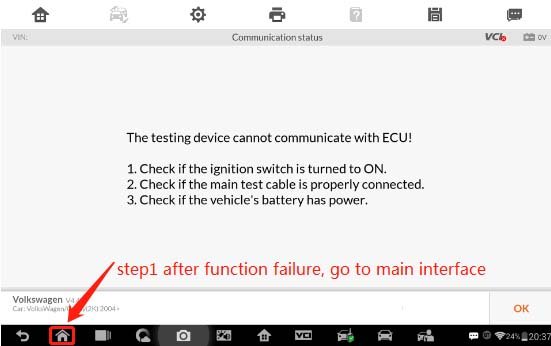
Step 1: go back to main page of Autel Tool when function failure.
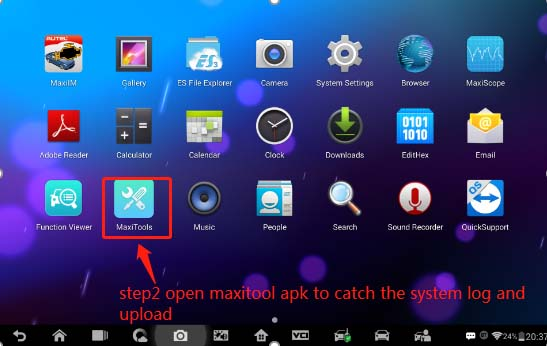
Step 2: press MaxiTools apk to catch the system logs, then upload.
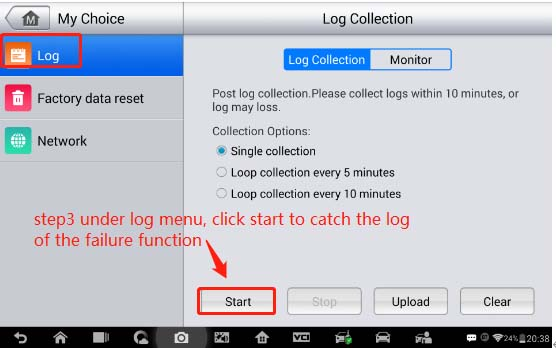
Step 3: Log >> Start, press “Start” to catch the logs of the failure function.
Log collection, please wait…
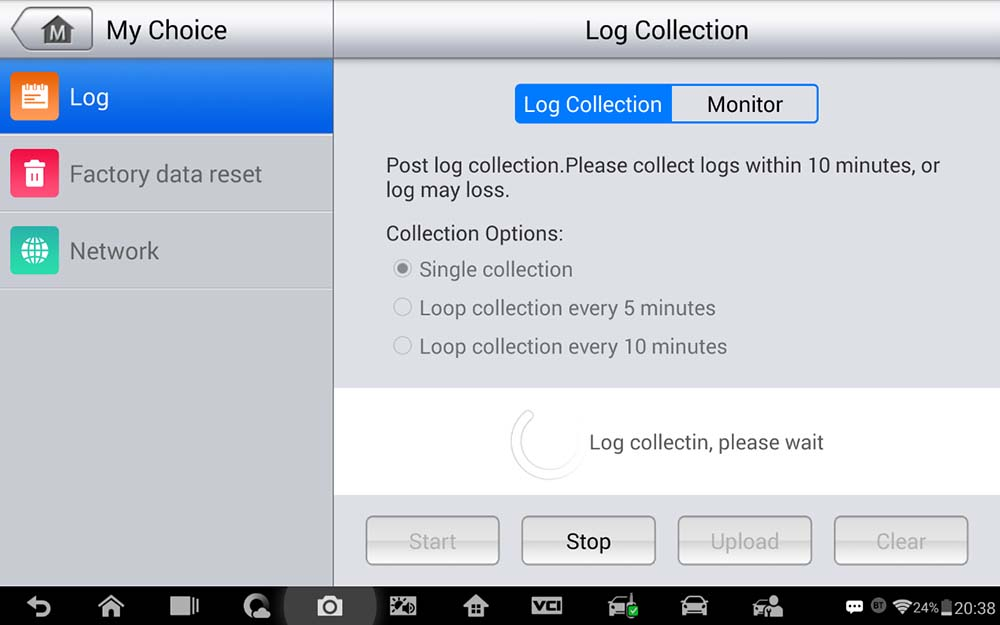
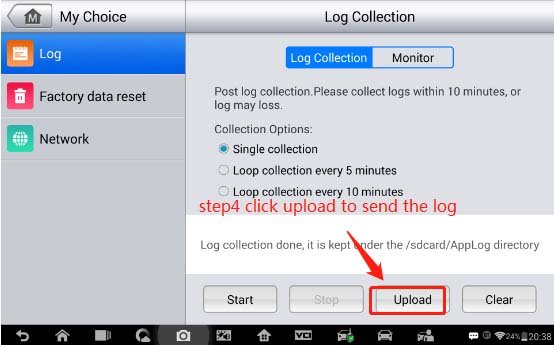
Step 4: press “Upload” to send the datalog to the Autel server when collection was done.
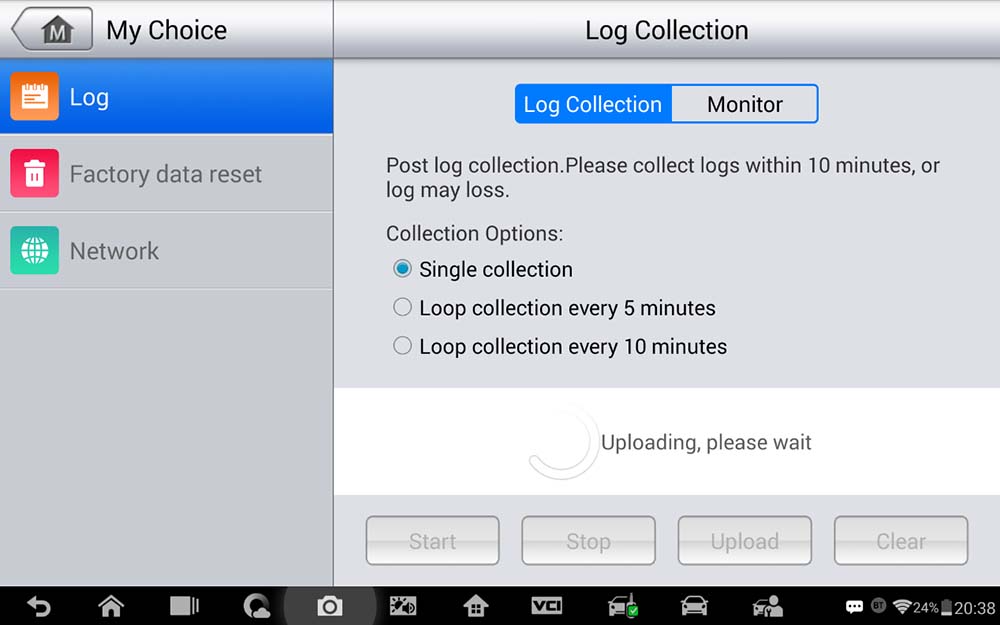
Wait until uploading completed. Please provide your Autel device serial number at same time, the Autel tech support will help you.
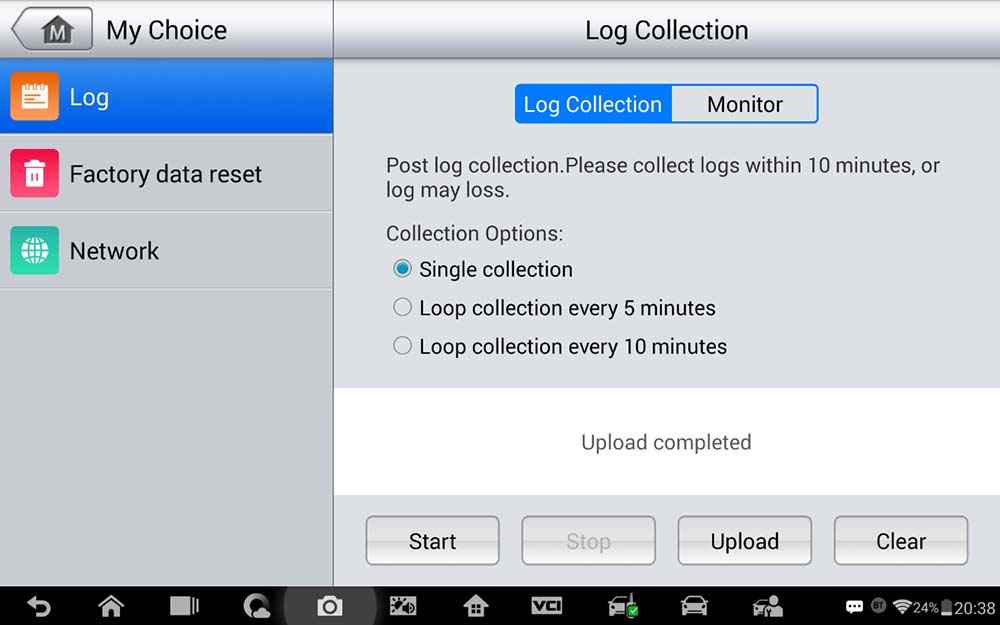
These steps are applied to the Autel OBD2 scanner as well.
Done!
For more information contact
support@automaxtools.me
www.automaxtools.me
Autel Middle East Dealer



No Comments