
How to Install PCM Flash – Setup & Drivers Guide (2026)
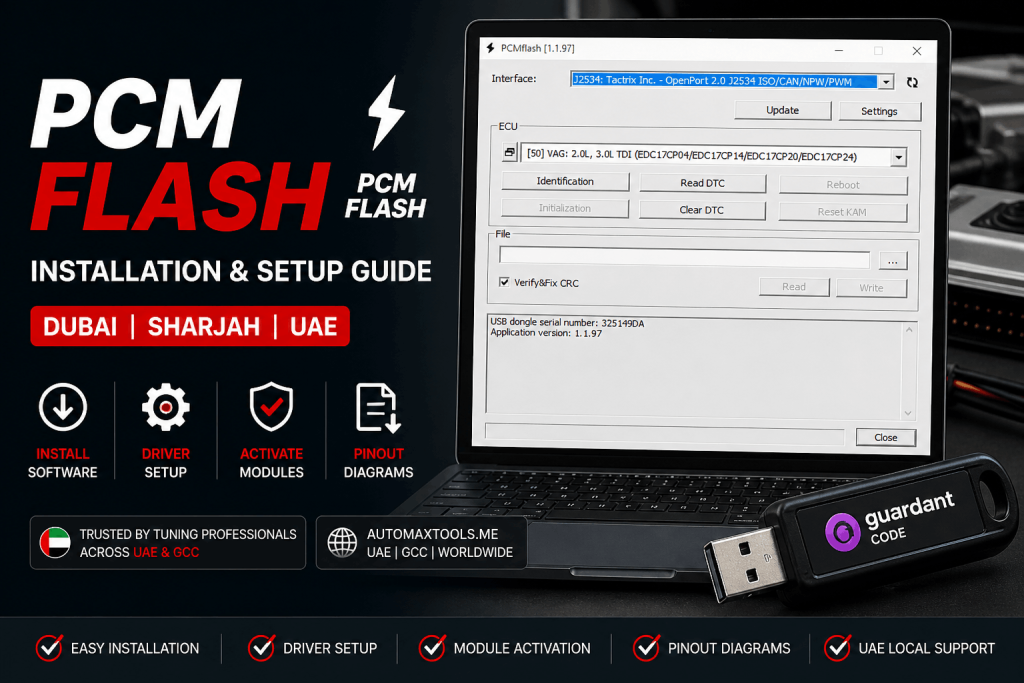
PCM Flash is a professional ECU programming software solution used for reading and writing ECU data through supported modules. It is commonly used by tuning and ECU repair workshops for ECU programming, ECU cloning, bench connection work, boot mode operations and performance tuning support.
For workshops in Dubai, Sharjah, Abu Dhabi and across the UAE, correct installation is important because PCM Flash depends on the right Guardant dongle driver, module activation process, PCMflash software version and ECU communication interface.
Before You Start
Use a stable Windows 10/11 laptop dedicated for ECU programming and tuning work.
PCM Flash licensing and modules are linked to the USB dongle/security key.
Required to download files, send activation requests and receive activation responses.
Use a supported interface such as Scanmatik 2 or other compatible hardware depending on your module and ECU.
How to Install PCM Flash
Follow the correct installation order to avoid dongle detection issues, missing modules or ECU communication problems.
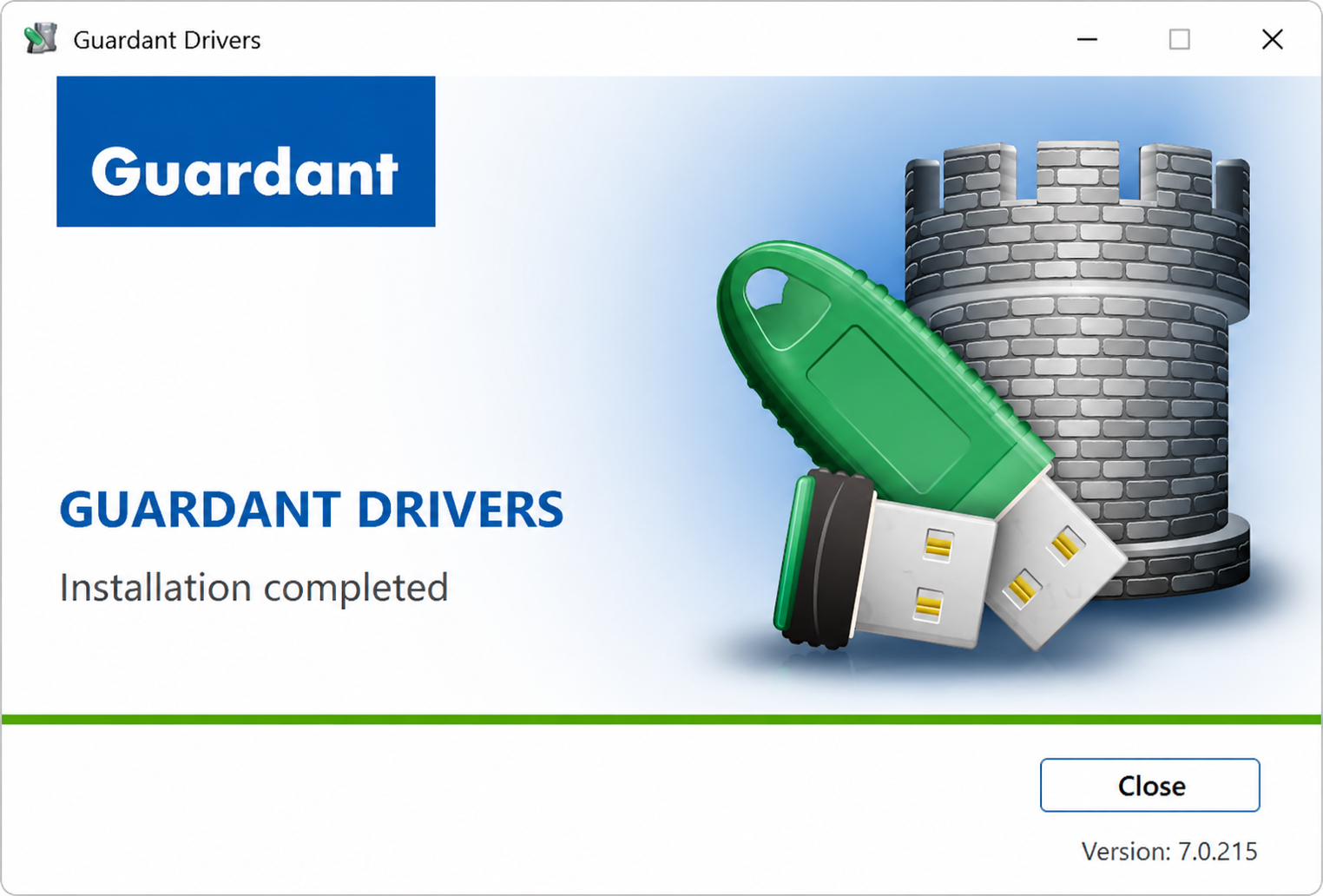
Install the Guardant dongle driver first so Windows can recognize the PCM Flash USB security key correctly.
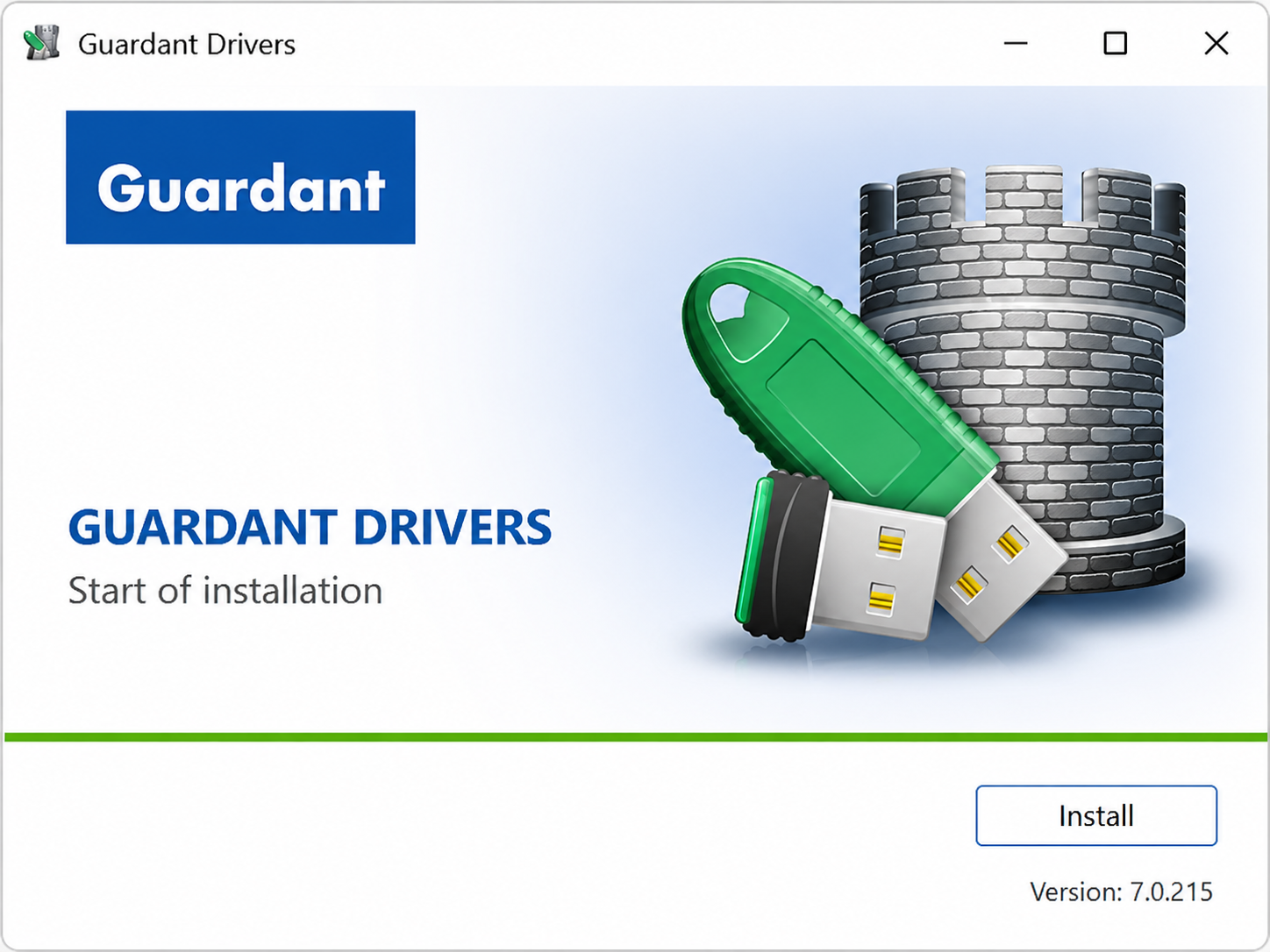
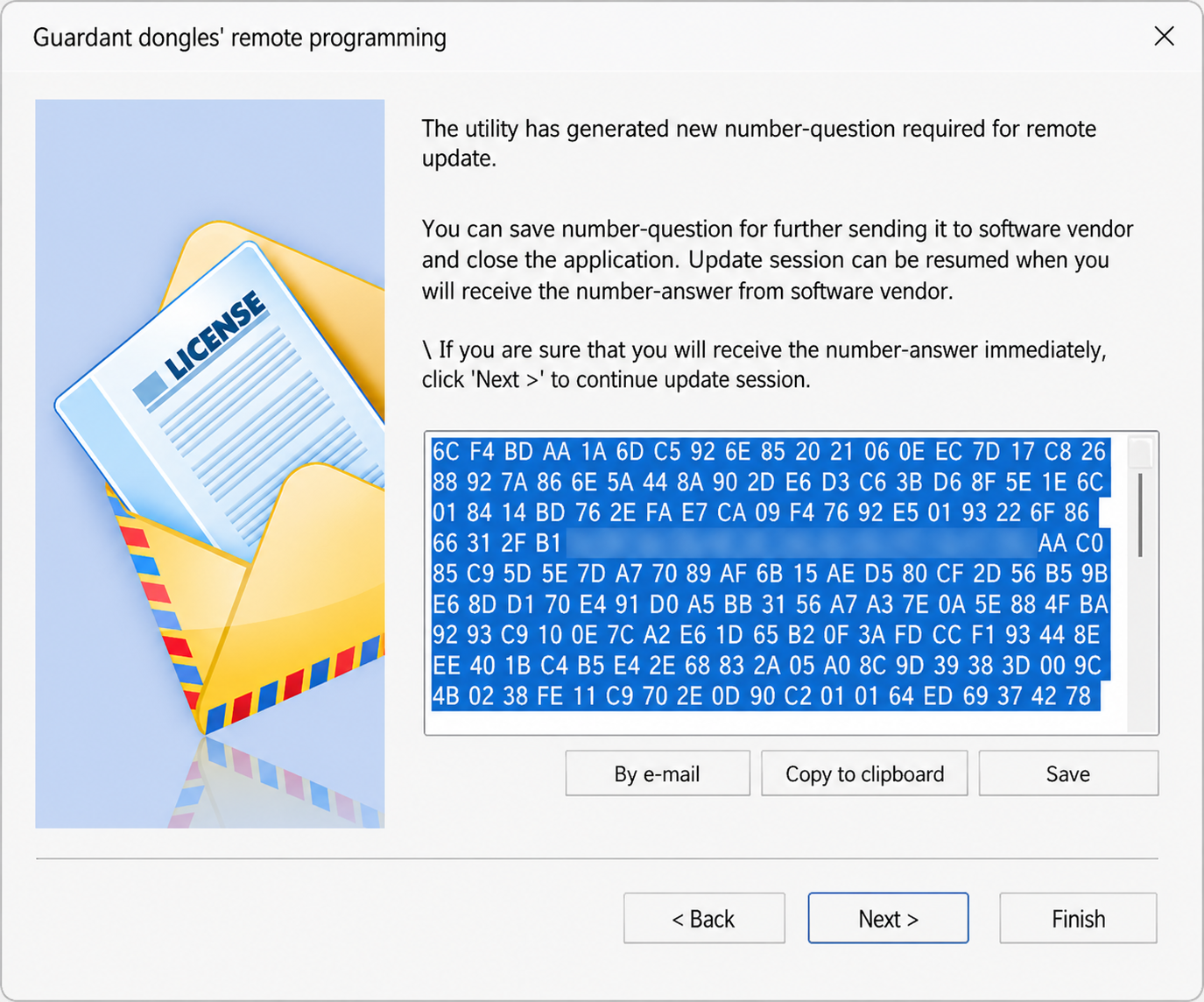
Download the program used to activate the security key, connect the dongle, open the Guardant remote programming utility and choose Start new dongle remote update session

Click Save and store the generated file. Send the saved activation request file to your supplier for module activation.
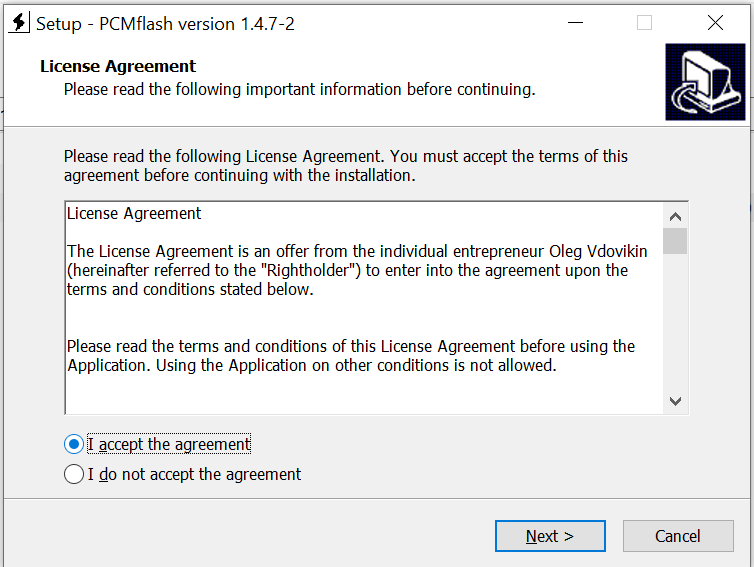
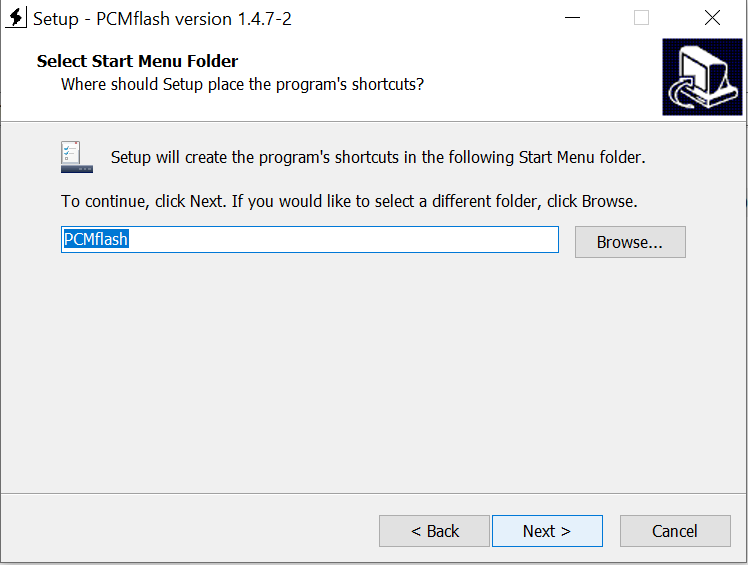
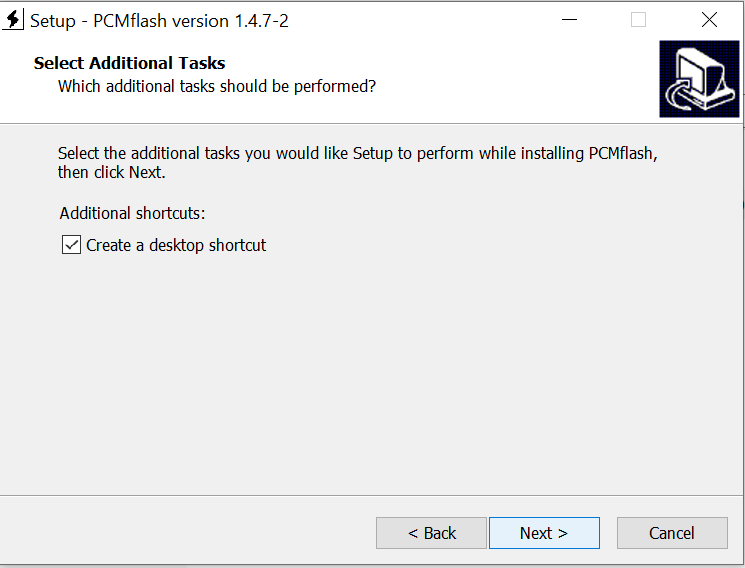
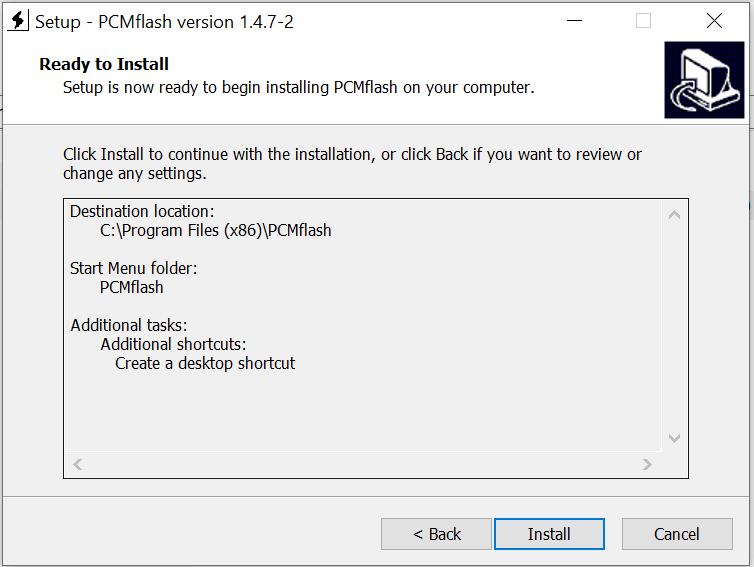
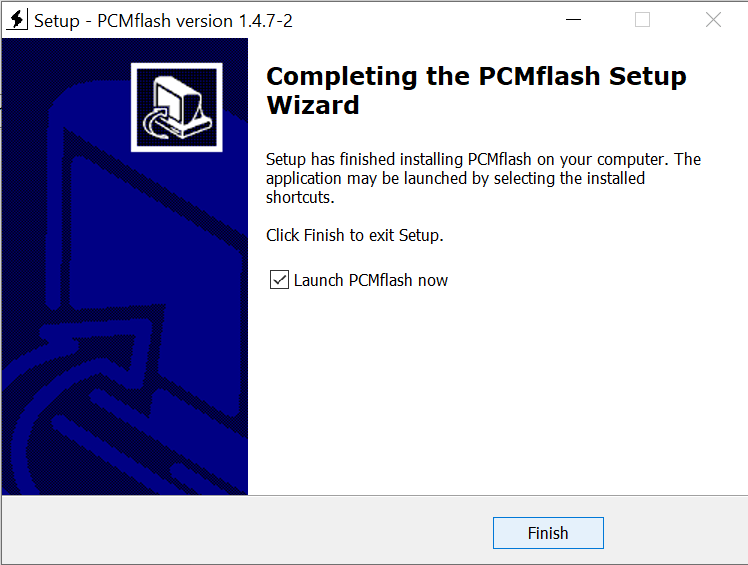
Download the latest PCMflash build, run the installer as Administrator, accept the license agreement, select installation folder and complete setup.

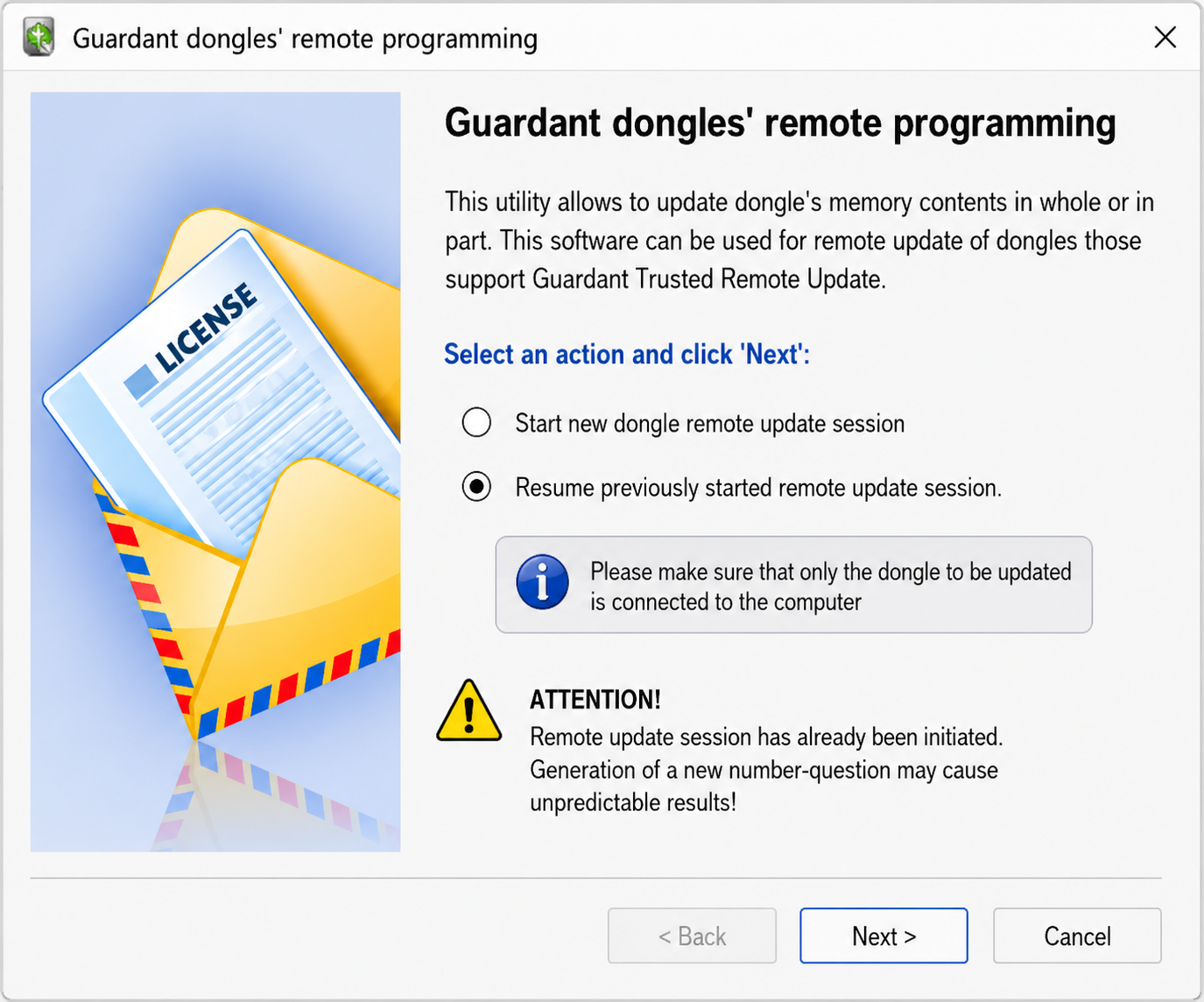
Open the remote programming utility again and select Resume previously started remote update session Do not start a new session.
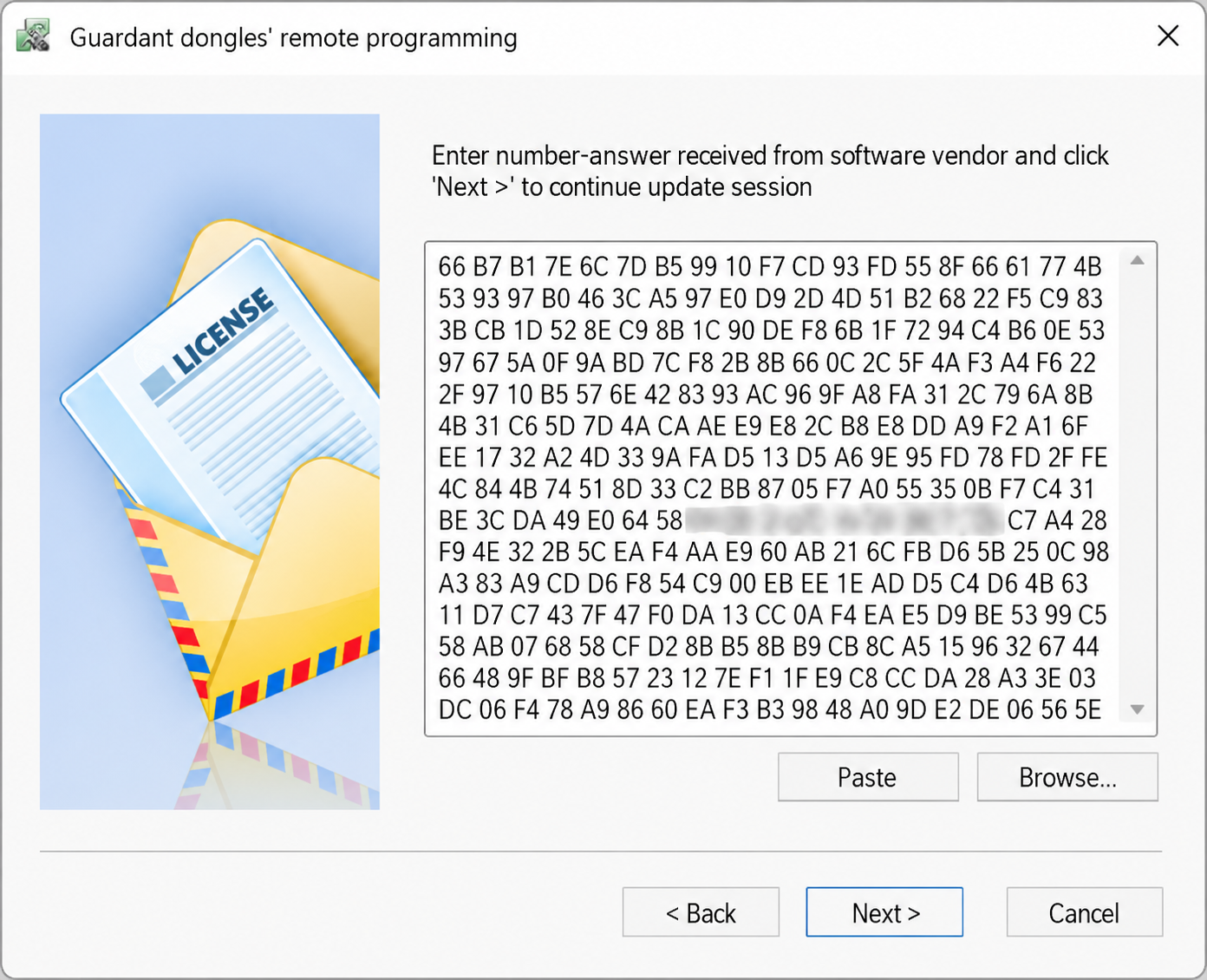
Unpack the file from the archive and open it in the program (no need to copy information from the file, you need to open the file “update_VD_VIKU_xxxxxxxxxx” using the Browse select the update file from the archive and continue the update session.
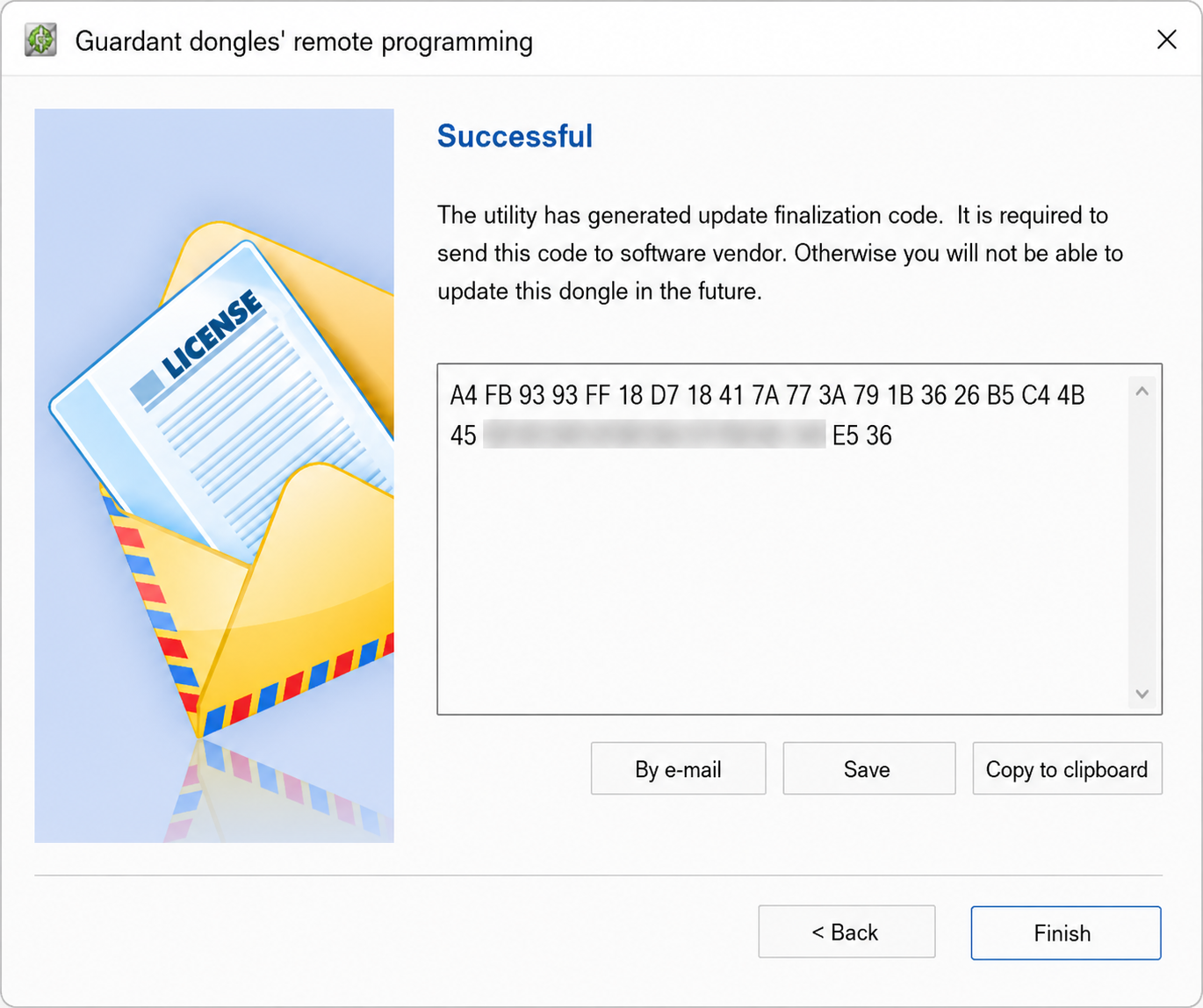
Press Finish and confirm. Once successful, close the utility and restart PCM Flash if required.
How to Activate PCM Flash Module
After your activation request is processed, your supplier will normally send an archive and a code or activation response needed to enable the purchased module.
Open PCM Flash and confirm the USB dongle serial number and application version are visible inside the software.
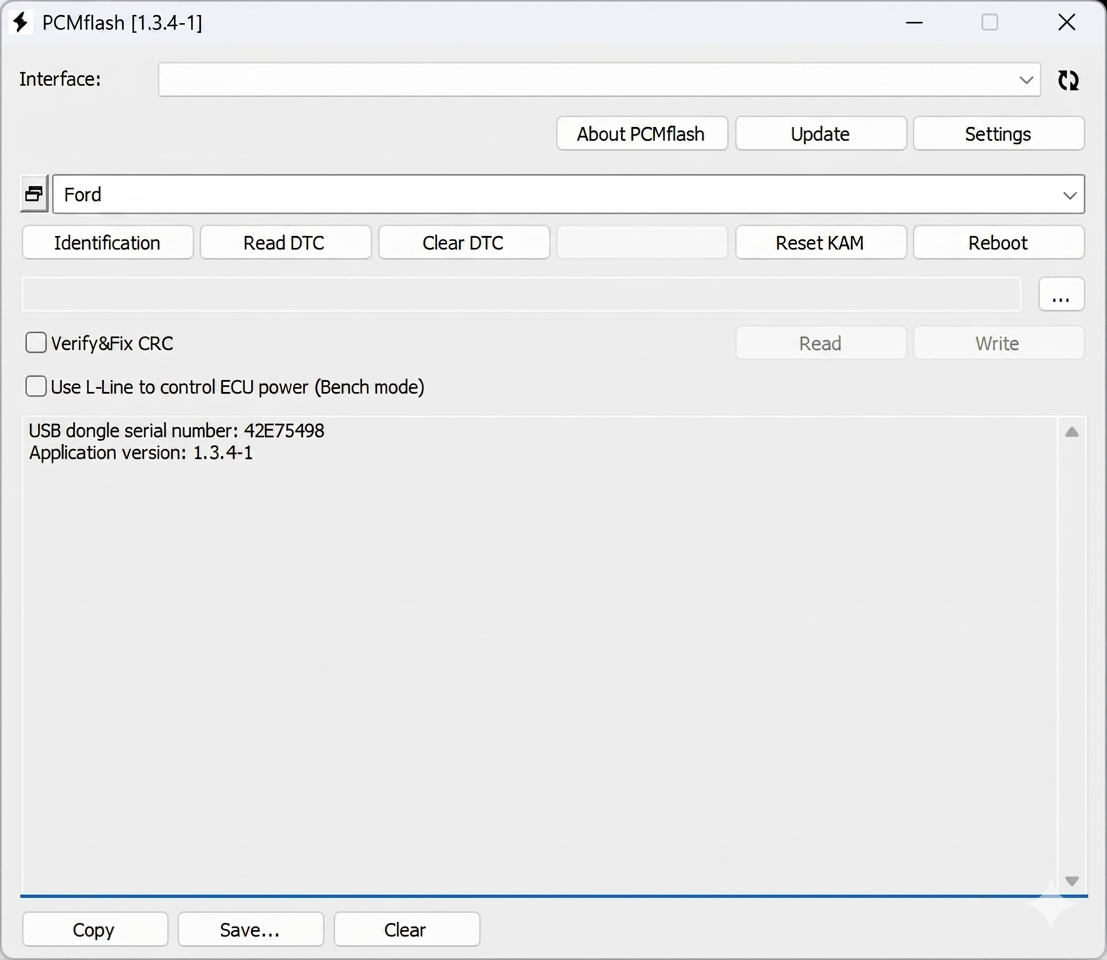
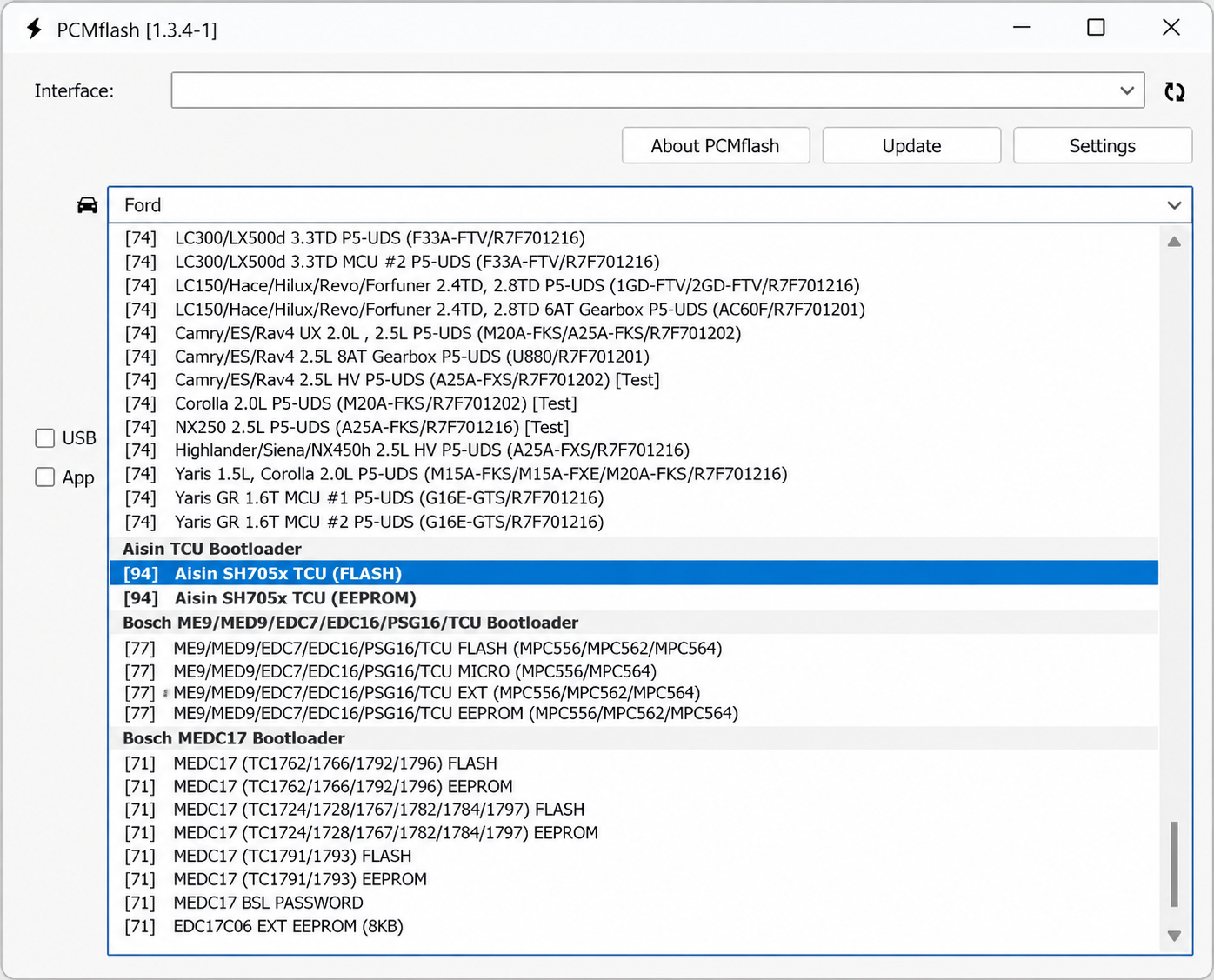
Open PCM Flash, click Settings paste the module activation code and click ActivateAfter rebooting, the activated module should be displayed, highlighted in bold text.

PCM Flash Pinout & Bench Connection Diagrams
For bench and boot mode work, correct ECU wiring is critical. Use the official PCM Flash downloads page for module-specific connection diagrams before powering any ECU.
Dubai & Sharjah Workshop Setup Tips
For ECU programming workshops in Dubai, Sharjah and Abu Dhabi, the best practice is to use one dedicated programming laptop and keep all PCM Flash drivers, pinouts and module notes organized in one folder.
| Setup Item | Recommended Practice |
|---|---|
| Laptop | Use Windows 10/11 with stable USB ports and reliable charging during ECU programming work. |
| Dongle | Install Guardant driver first and avoid using damaged USB hubs or loose USB ports. |
| Power Supply | Use stable bench power supply for ECU bench or boot mode work. |
| Pinout | Download the exact module connection diagram before starting ECU wiring. |
| Original File | Always save and back up the original ECU file before writing any modified file. |
PCM Flash reads and writes ECU files. For full tuning workflow, many workshops also use calibration editors to modify maps such as torque limiters, boost, fuel, rail pressure, DPF/EGR logic or speed limiters before writing the tuned file back.
Common PCM Flash Installation Problems & Fixes
PCM Flash does not detect the dongle
Install or reinstall the Guardant driver, try another USB port and launch PCM Flash as Administrator.
Module activation does not complete
Do not start a new remote update session after sending the first activation file. Use the response/archive from your supplier and resume the previously started session.
Module is not visible after activation
Restart PCM Flash, check the dongle serial number, confirm the activation code was entered correctly and verify that the correct module was purchased.
No ECU communication
Check the interface driver, adapter selection, ECU pinout, power supply, CAN/K-Line wiring and vehicle battery voltage.
Frequently Asked Questions
Buy PCM Flash in UAE, GCC & Worldwide
If you are running an ECU programming or tuning workshop in Dubai, Sharjah, Abu Dhabi, GCC or worldwide, AutoMax Tools can help you choose the right PCM Flash package, activation options and compatible setup for your workshop needs.


No Comments